For HR
Keep the details together
Employee profiles, documents, leave and payroll preparation belong in a connected workflow, not separate spreadsheets.
THE WORKNIZE PLATFORM
Manage employee records, attendance, leave and payroll preparation in one workspace. Less chasing updates. More time for your team.
English · العربية · 中文
For HR teams, managers and employees.
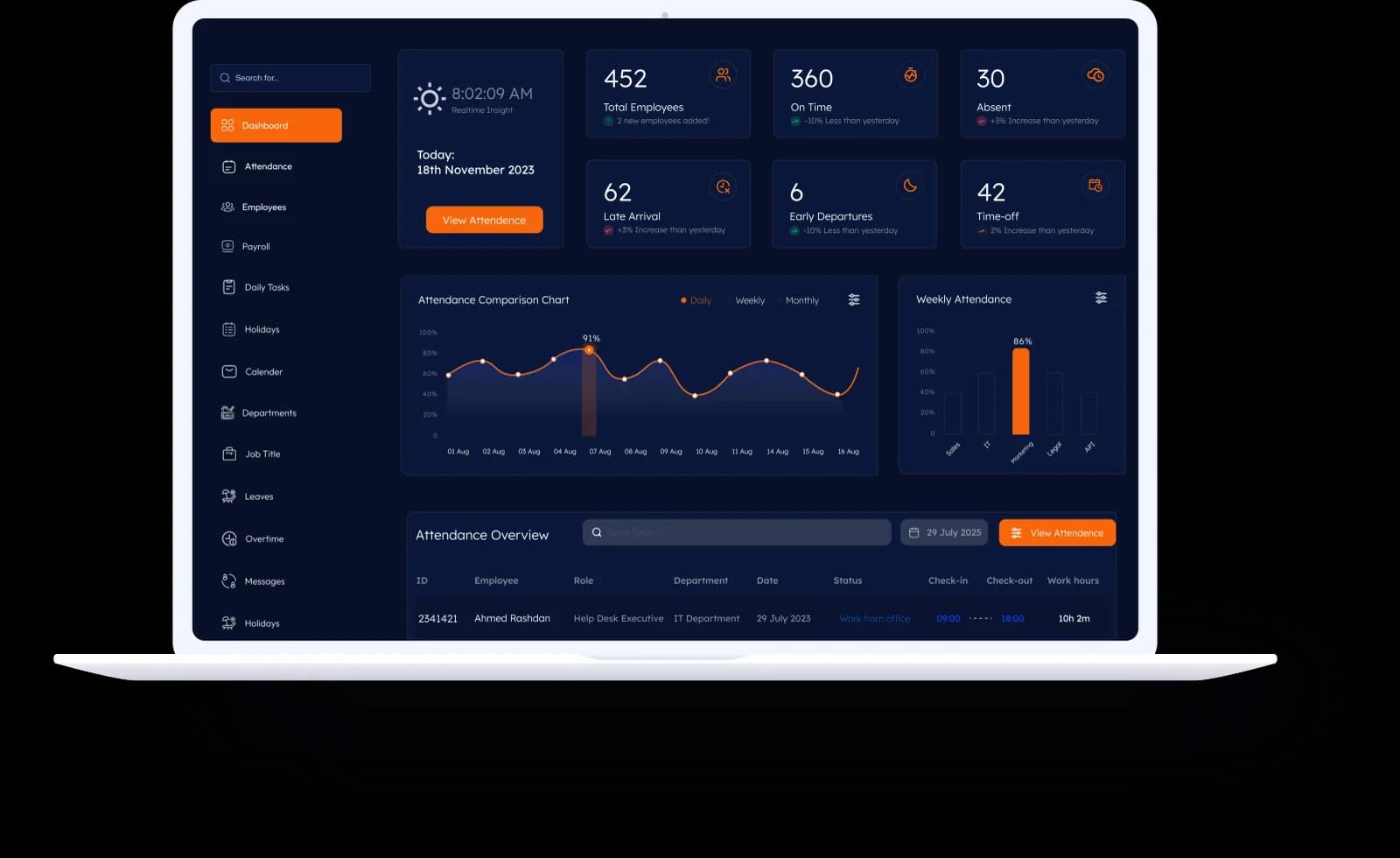
Illustrative product preview. Your enabled modules depend on your plan.
01One connected employee record
02Clear attendance and approvals
03A simpler monthly HR review
A shared view, a clearer next step
For HR
Employee profiles, documents, leave and payroll preparation belong in a connected workflow, not separate spreadsheets.
For managers
Review attendance and pending requests, then follow up with the people involved.
For employees
Request leave, review your records and follow the status of your requests in one place.
Attendance that tells a clearer story
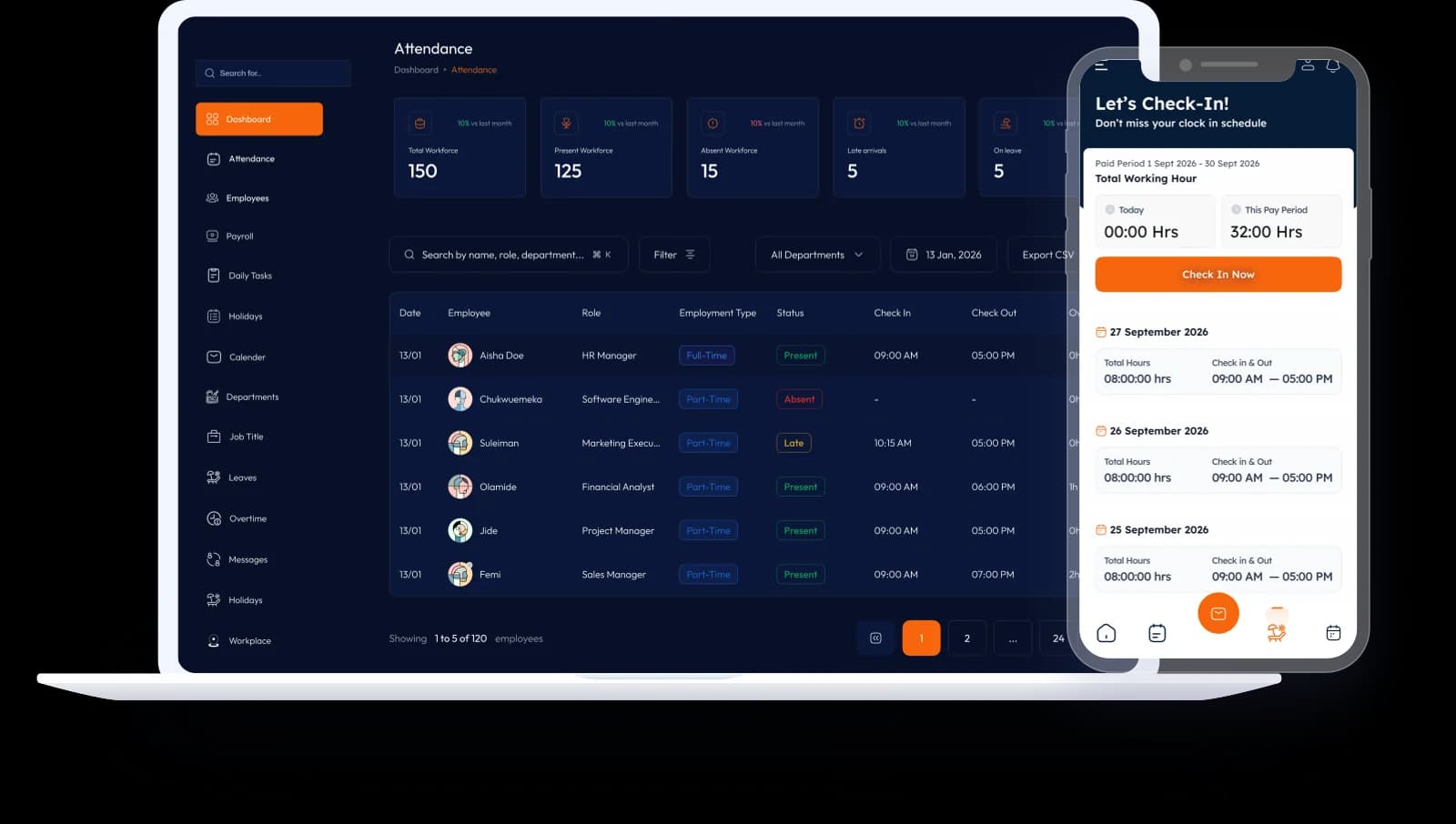
Bring clock-in records and location checks together so HR has context when reviewing attendance and resolving discrepancies.
Documents with a next step
Keep passports, Emirates IDs, visas and contracts connected to the employee record. Review the recorded expiry dates and plan the follow-up before a document becomes overdue.
Add the document to the right employee record.
Where extraction is enabled, review the suggested details against the original.
HR checks and saves the expiry date. Keep human review in the workflow.
Review expiry records and the notification workflow configured for your company.
Document extraction and notification availability are confirmed during onboarding. Ask for a walkthrough using a sample document.
See the document workflowWorknize HR assistant
Ask about recorded attendance, overtime or upcoming document expiries. Inspect the underlying information before making a decision.
Answers depend on the data recorded, your enabled modules and permitted access. The assistant supports HR review; it does not replace it.
Explore the HR assistantExample questions to try during your demo
Examples, not live employee information or generated results.
Employee self-service
Help employees review their profile, request leave and keep up with attendance without chasing HR for every update.
Ask to see the mobile workflows your team needs. Supported devices, installation and available modules are confirmed before rollout. An iOS download is not currently offered.
Discuss mobile access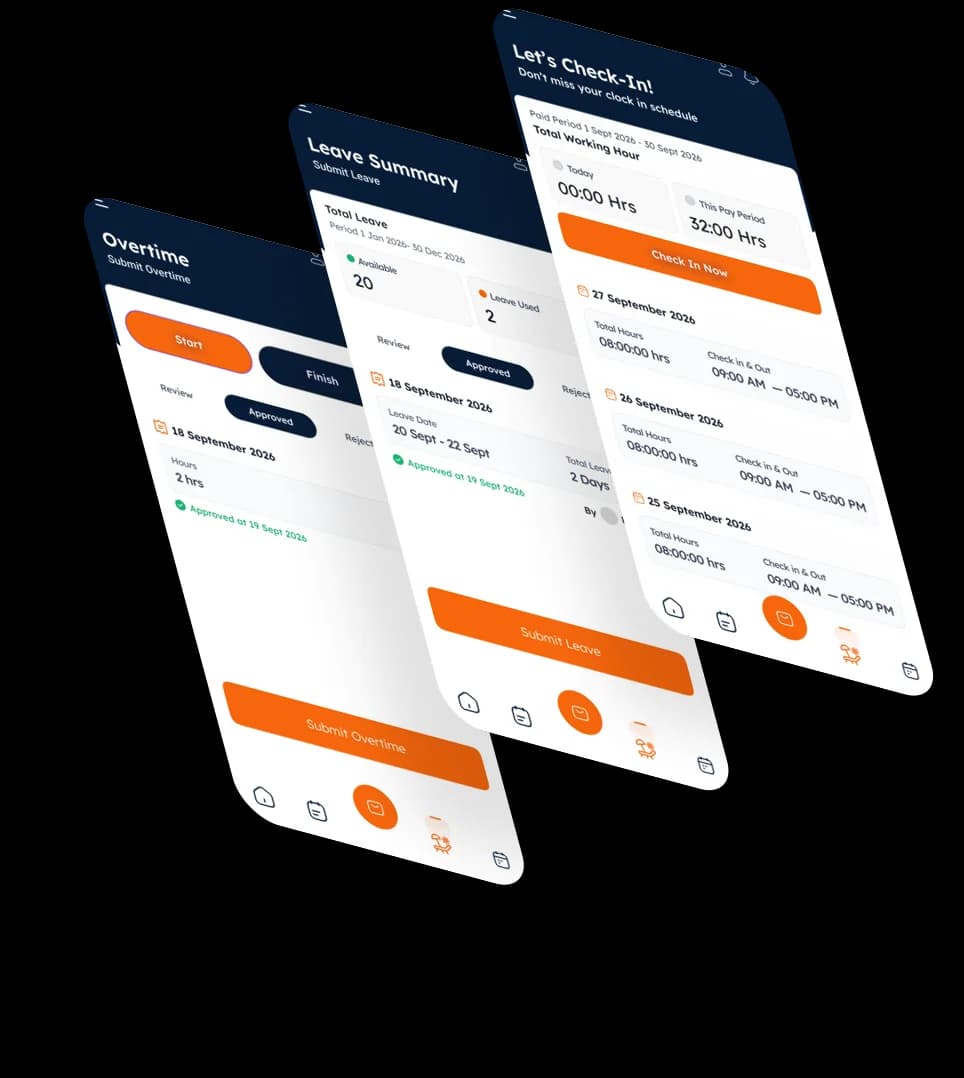
Pricing that fits your procurement
Choose a renewing SaaS subscription or a single payment for 12 months. Contact us for a tailored company proposal, with pricing and included scope agreed before you commit.
Recurring annual billing
For teams that want their subscription to continue from year to year.
Contact us
An annual subscription tailored to your team
A fixed 12-month term
For teams that want to approve each new year before paying again.
Contact us
paid once for 12 months of access
Employee limits, enabled modules, onboarding, support, taxes and any additional charges are itemised in your proposal. Contact us to discuss the right scope for your team.
Discuss customer-managed or Worknize-managed hosting. Managed hosting costs, data location, backups and operational responsibilities are agreed separately in your proposal.
Common questions
A few quick answers about fit, access, and what to expect next.
Contact us for a tailored proposal. Choose an annually renewing SaaS subscription or a single invoice paid upfront for a fixed 12-month term with no automatic renewal. Your proposal confirms pricing, scope, onboarding, support, hosting and taxes. A one-time payment does not buy a lifetime licence.
Normal is the default, company-managed chat. Authorised company administrators and managers may review Normal conversations within their permitted company or team scope, even when they are not participants. Incognito is a separate, end-to-end encrypted mode granted individually by an administrator. Its content is readable by conversation participants; administrator privileges alone do not give access to decrypt it. An administrator who participates can read that conversation. Ask us to confirm supported devices and your rollout policy.
Discuss customer-managed or Worknize-managed hosting during your demo. Deployment requirements, data location, backups, access responsibilities and additional managed-hosting costs are agreed in your proposal.
Worknize is designed for growing UAE teams that want employee records, attendance, leave, overtime, documents, approvals, and payroll workflows in one connected system.
Yes. Worknize includes separate admin and employee experiences so employees can access everyday self-service workflows while managers keep the oversight they need.
Worknize supports web and mobile access. During the demo, we can show the relevant mobile workflows and explain the access options available for your rollout.
The Worknize team will contact you to understand your priorities, team size, and current process, then arrange a focused product walkthrough.
See how Worknize fits your team and current HR workflow.
No payment or marketing subscription. Fields not marked optional are required.